Understanding Widevine DRM Levels

PLACE HOLDER
With the prerequisites out of the way, we can start with the more technical stuff — but first, we need to understand the different Widevine DRM levels.
Widevine has, to my understanding, three levels:
L1 → Most secure, found in most modern smartphones, supports 4K streaming = makes problems.
L2 → Not very common, found in some smartphones, moderate security.
L3 → Very common, found in budget and older smartphones, low security = will work.
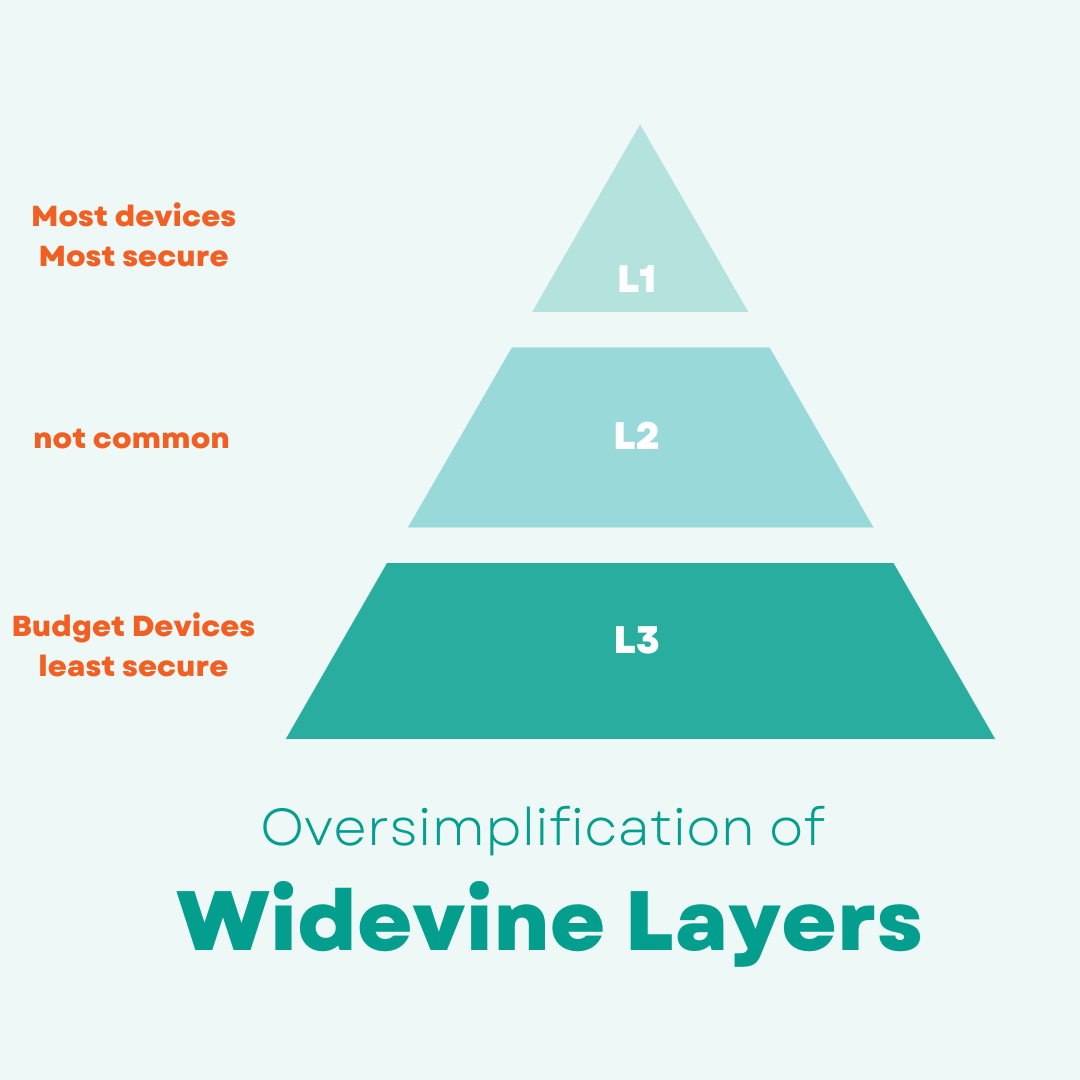
As said above, Widevine L1 is the most common. So if you are having streaming problems on a custom ROM, it's also very likely that you have Widevine L1 on your device. This isn't bad, but it just requires more work.